WCA Case — Add Attorney to Existing Case
If you need to be added as an attorney to a WCA case that is already in the system and you are not yet listed as a party, you must submit an Entry of Appearance. This is a formal request to be recognized as a party on an existing case. It is different from creating a new filing.
Submit an Entry of Appearance
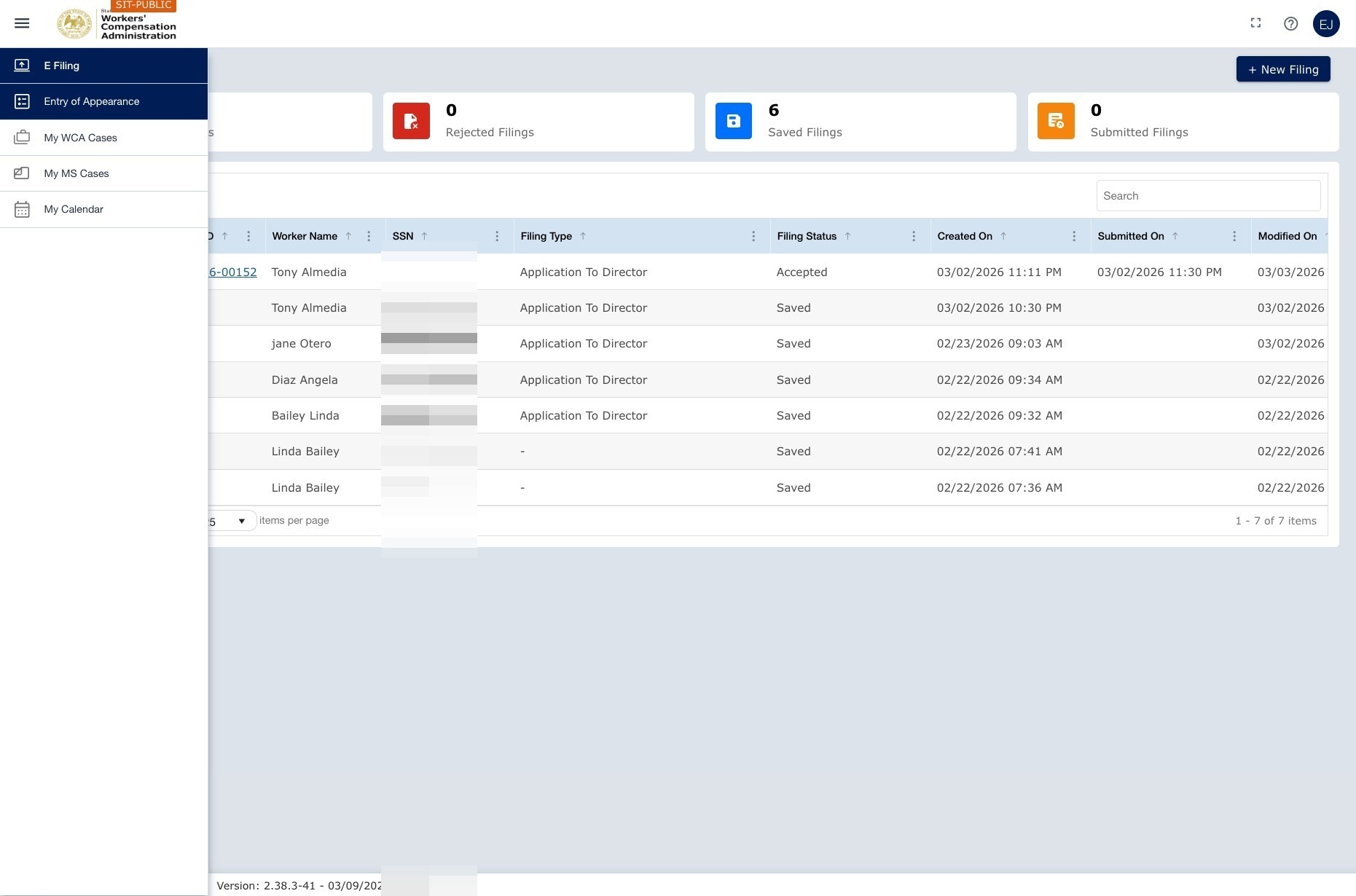
Navigation: Left navigation menu → Entry of Appearance → New Request
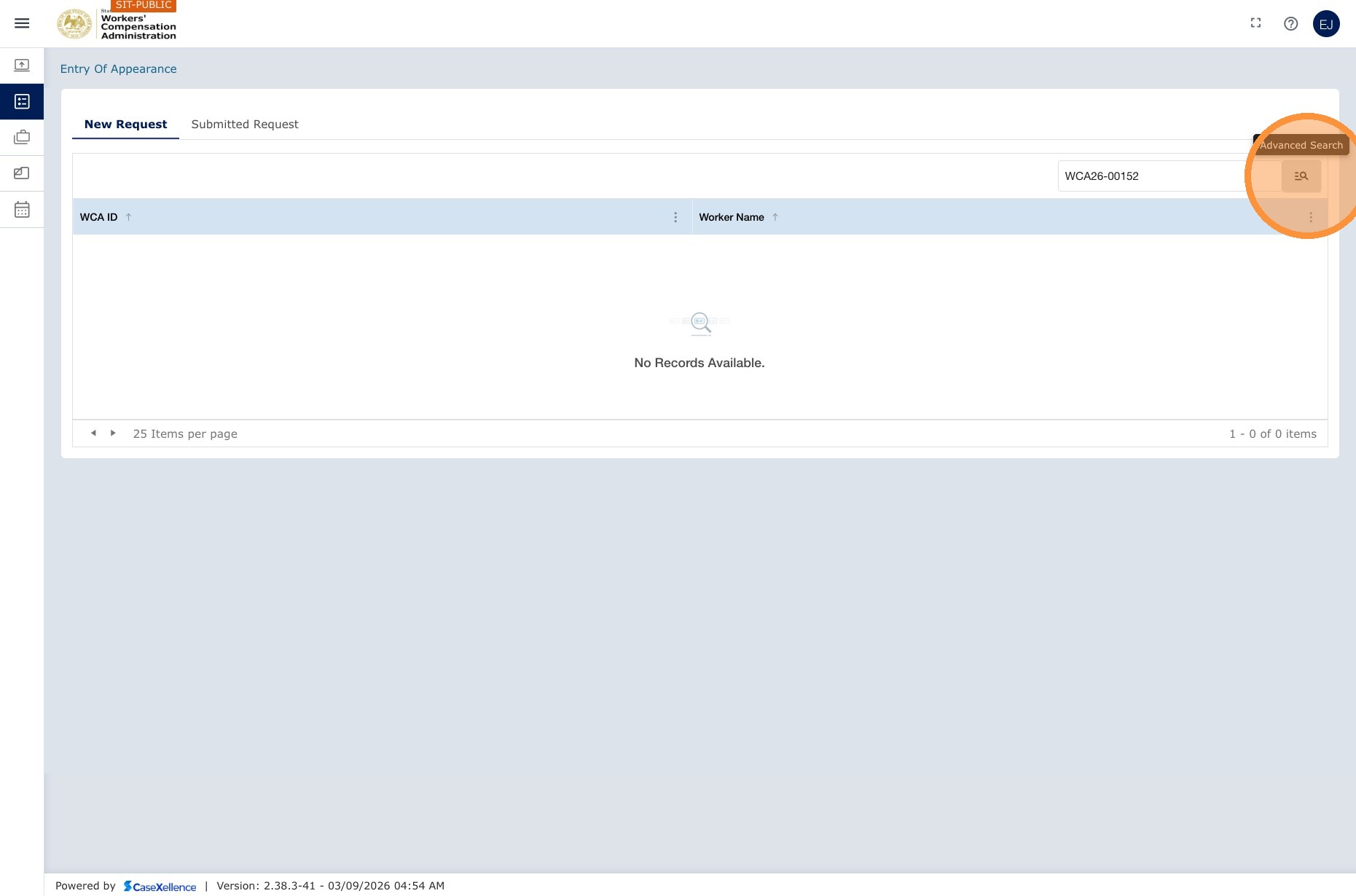
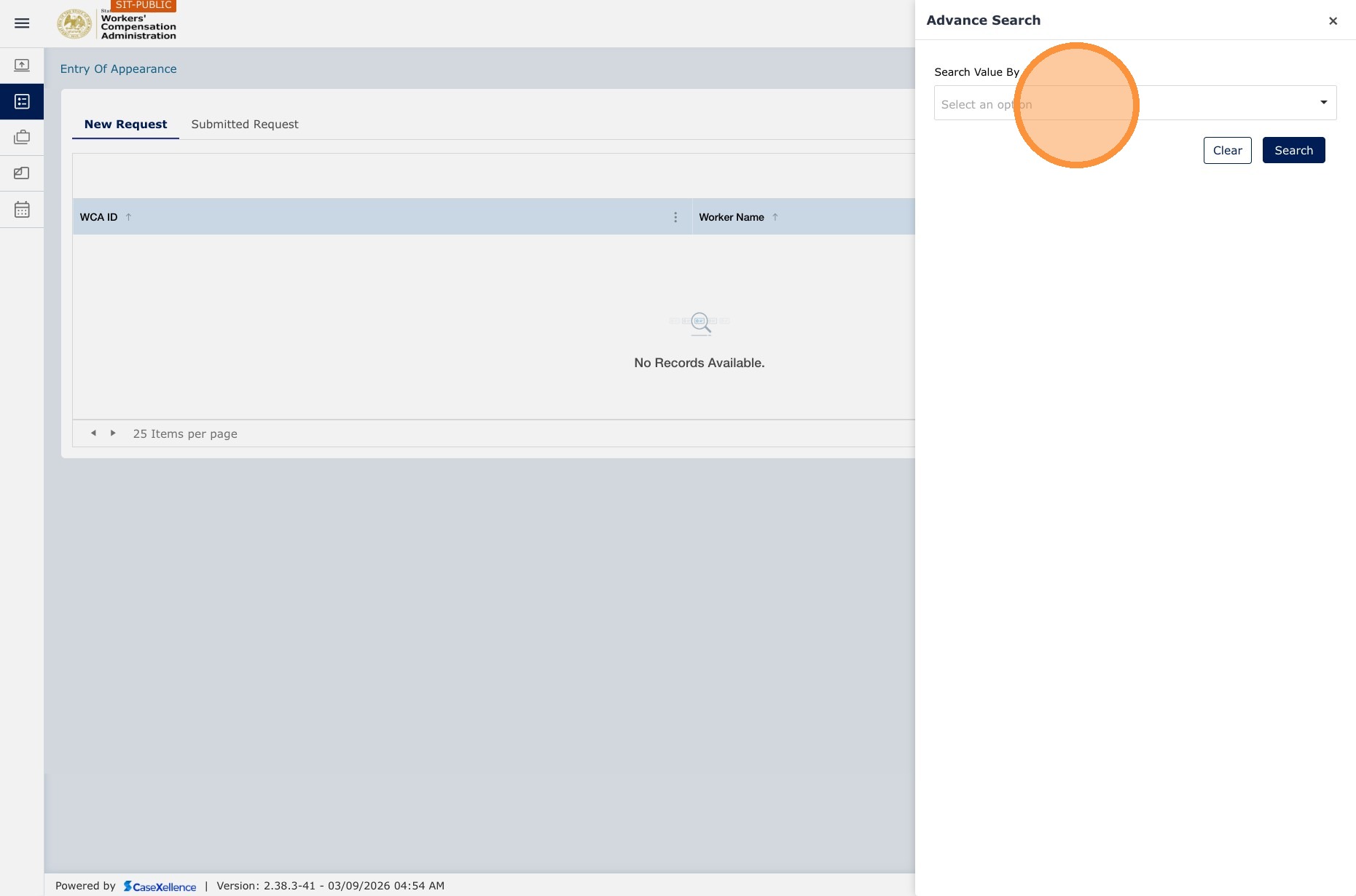
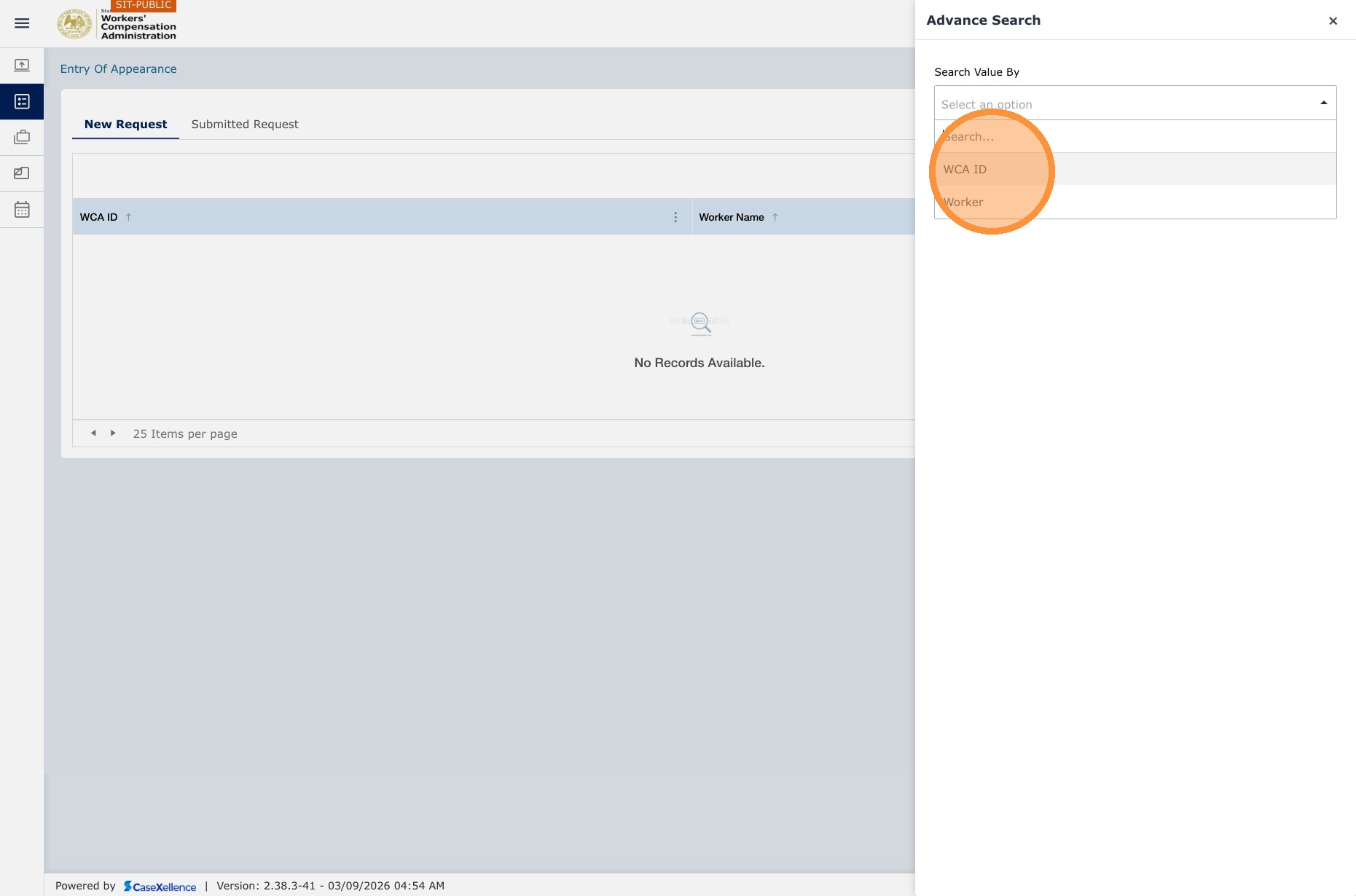
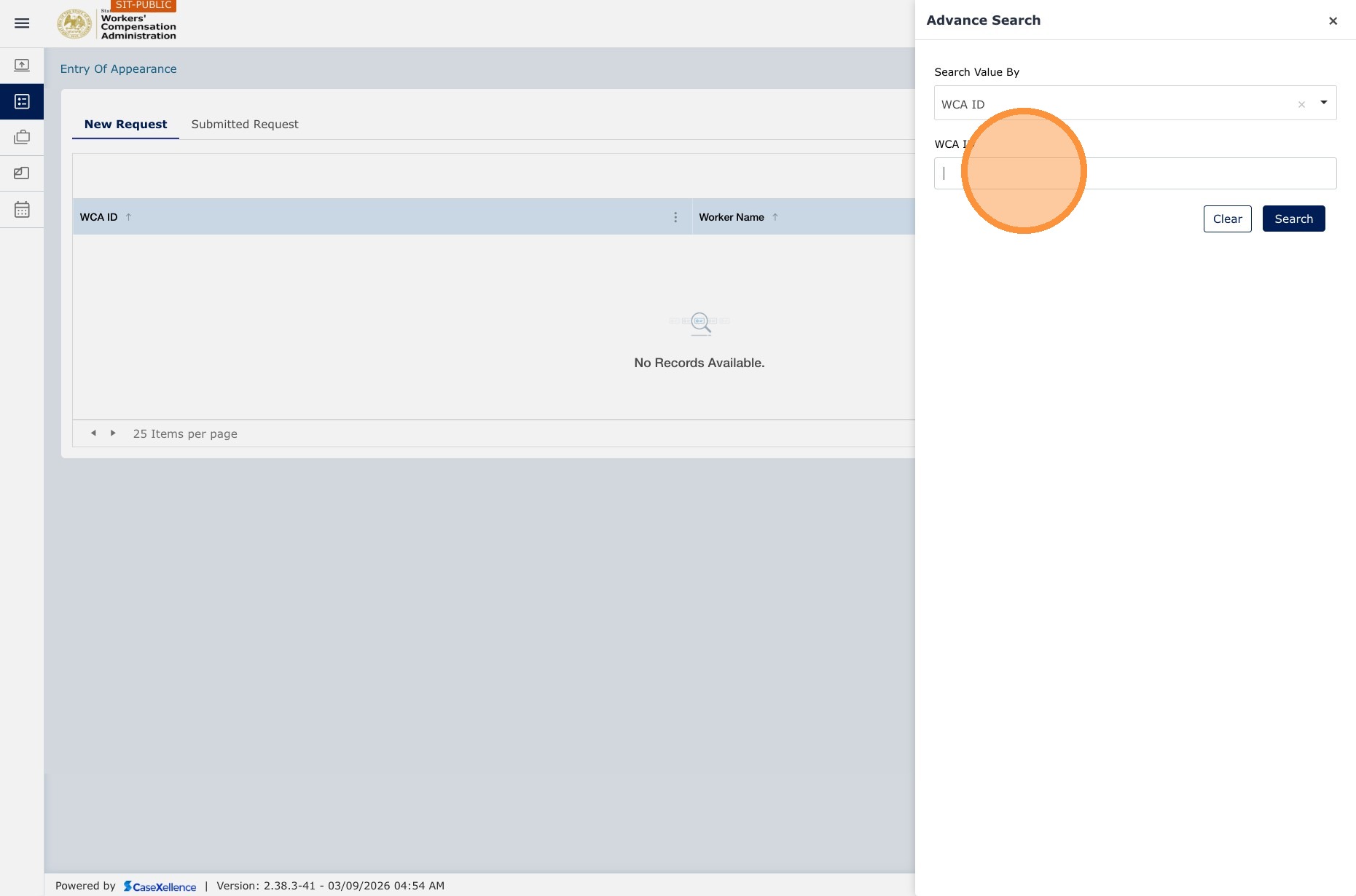
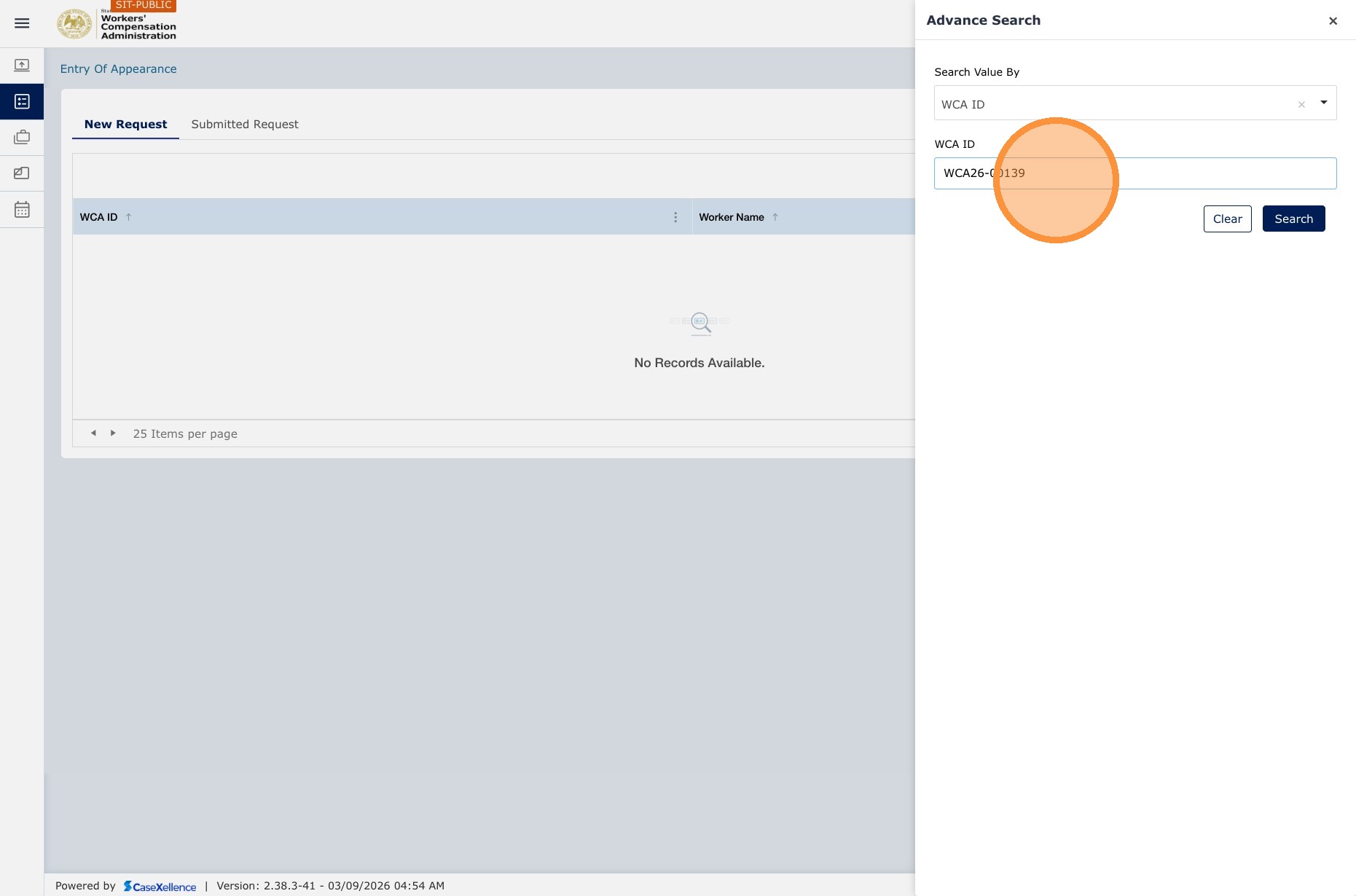
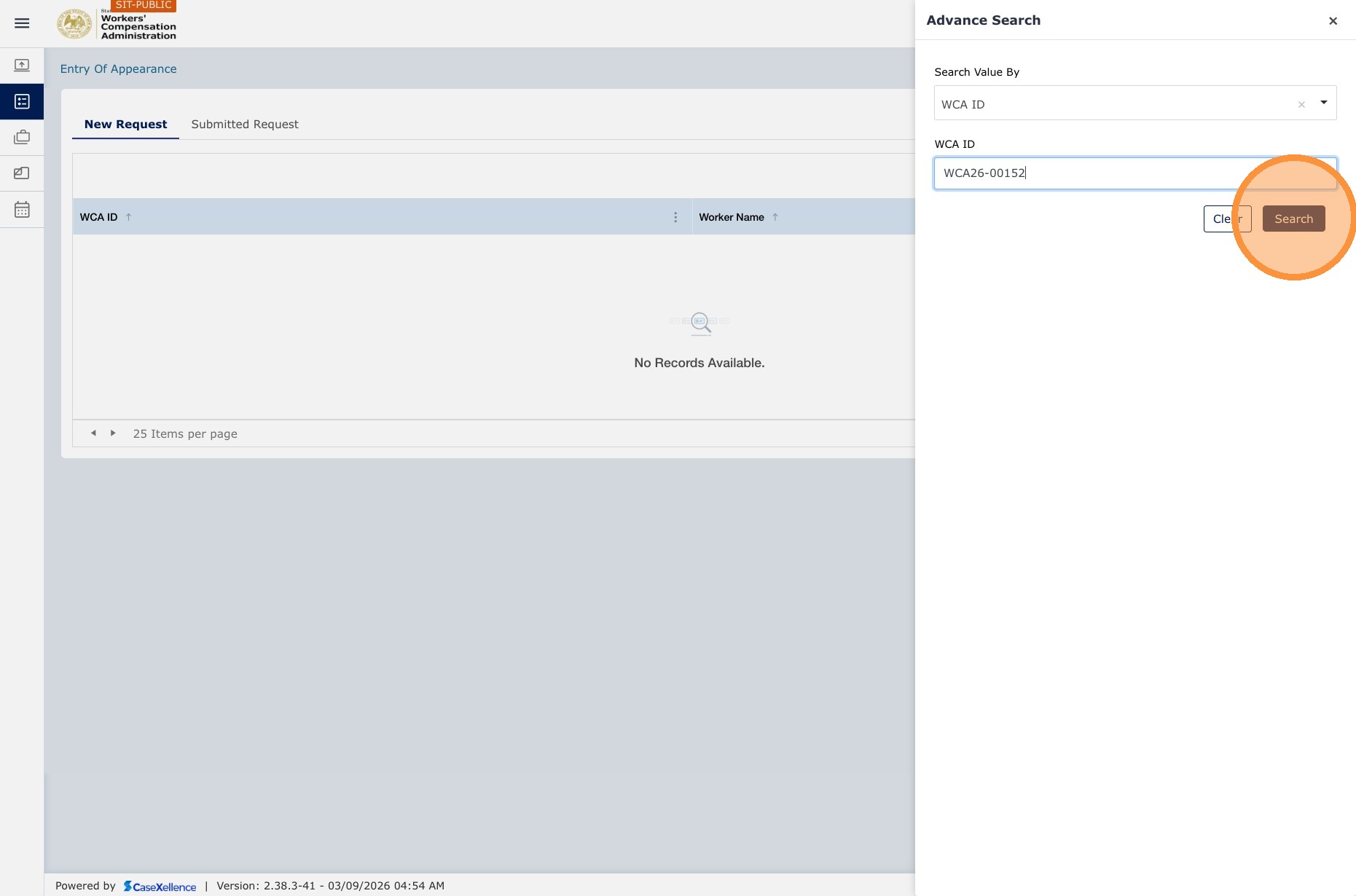
The interface supports both the standard search bar and an Advanced Search panel with a dropdown for Search Value By, including options such as WCA Case Number and Worker name. You can use either simple or advanced search.
1. Open Entry of Appearance
- Click Entry of Appearance in the left navigation menu.
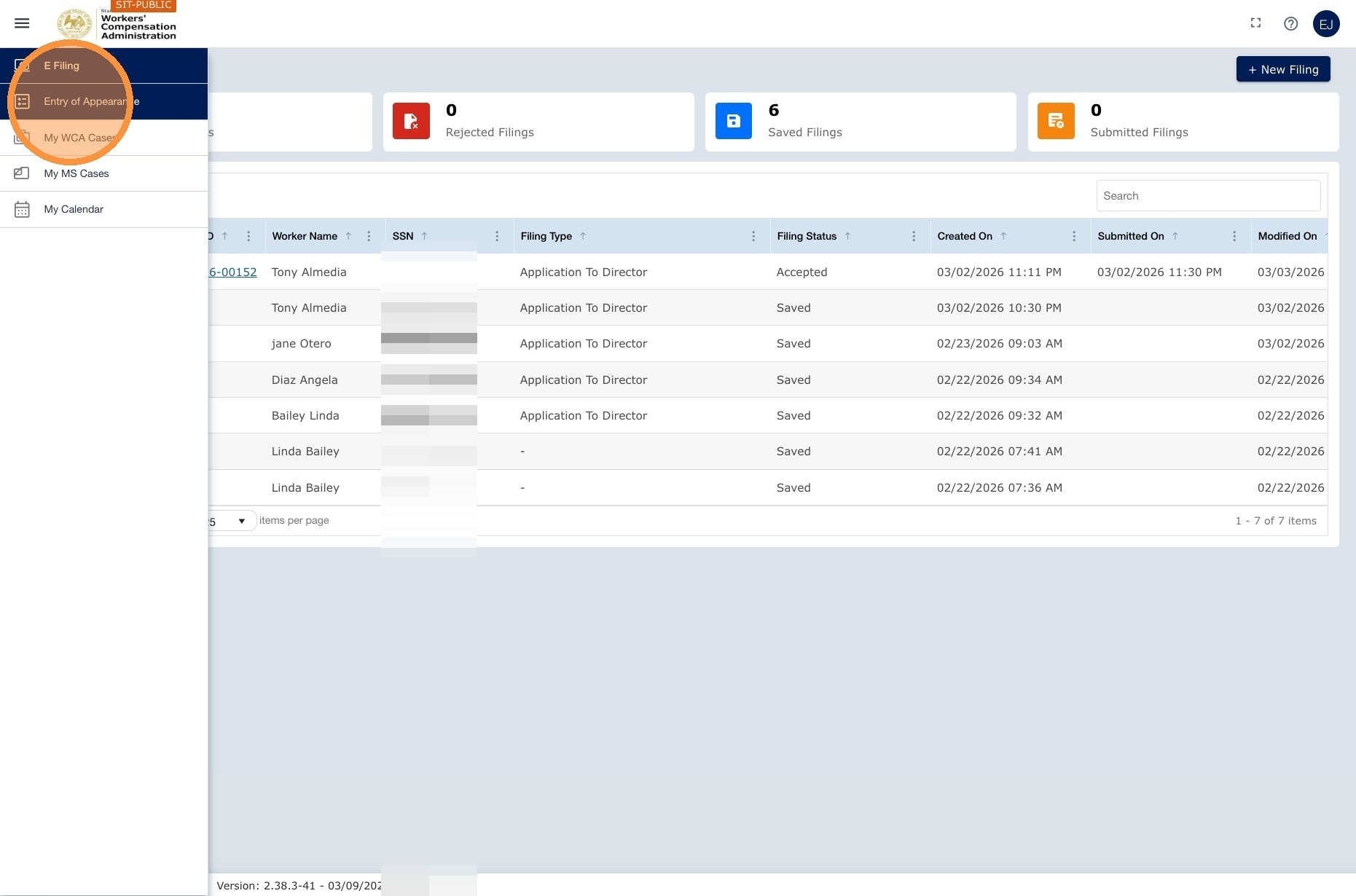
2. Start a new request
- Click the New Request tab.
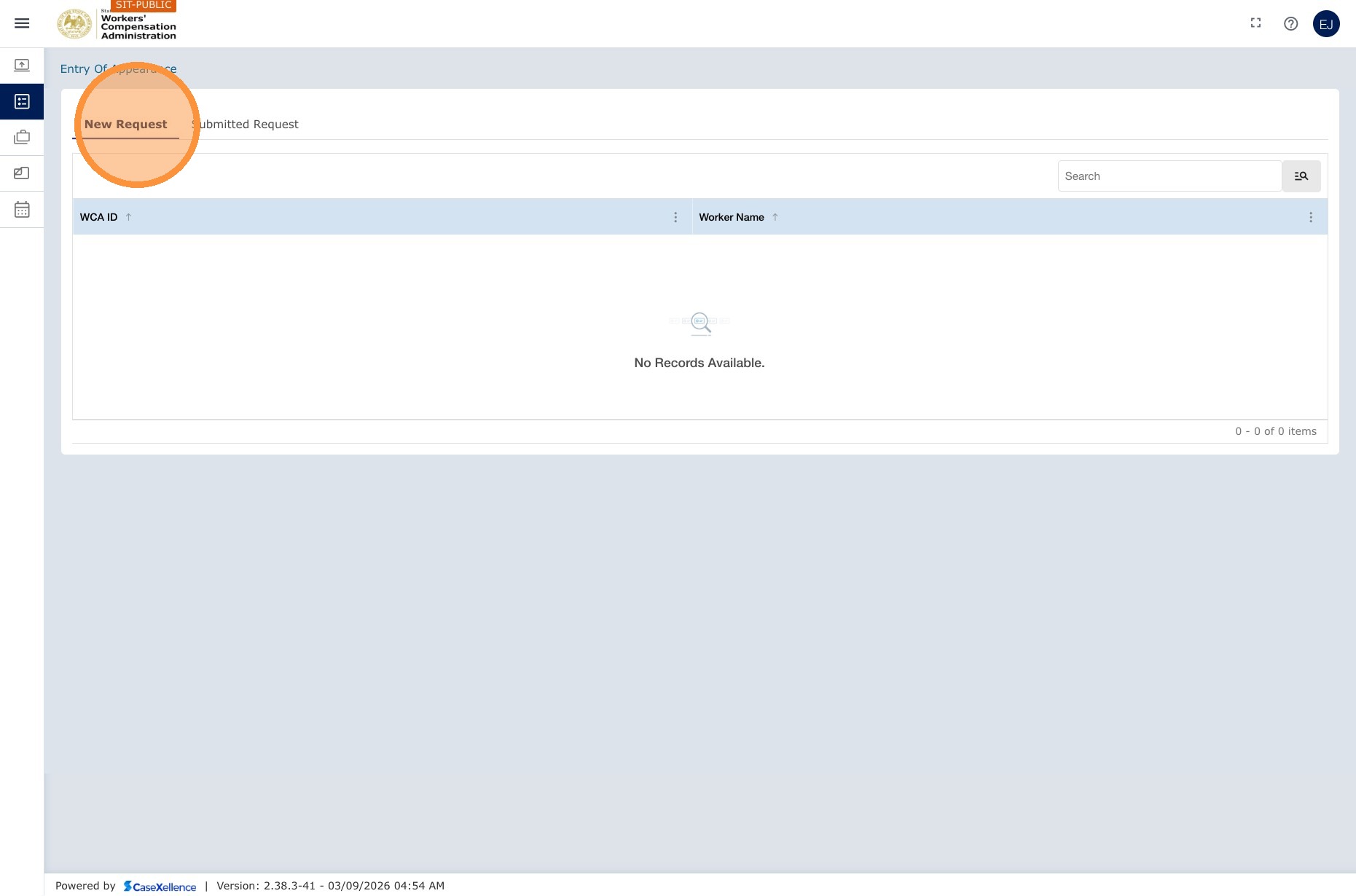
3. Search for the case
- Search by Worker Name or WCA Case Number, then click Search.
4. Select the case and submit
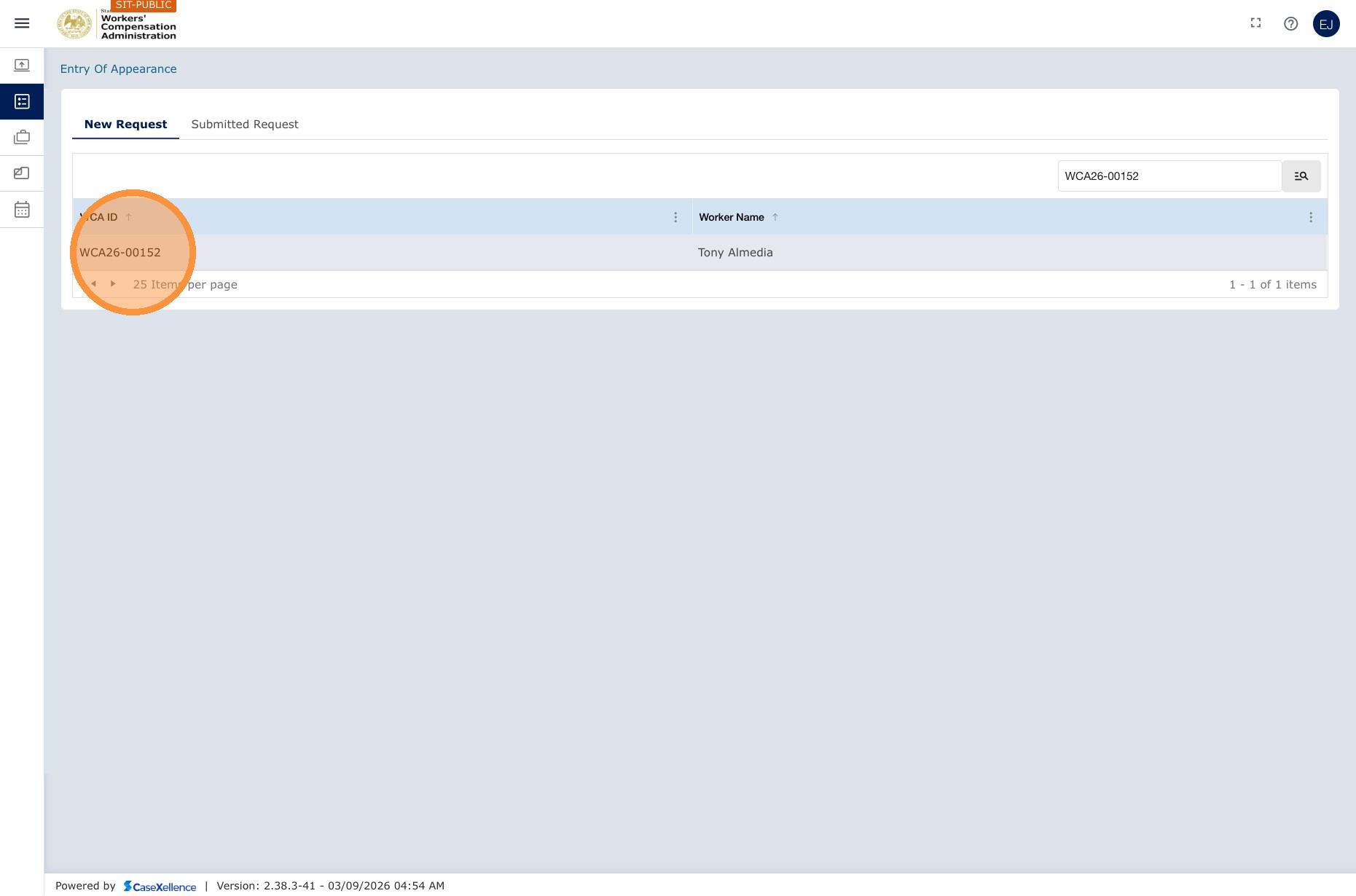
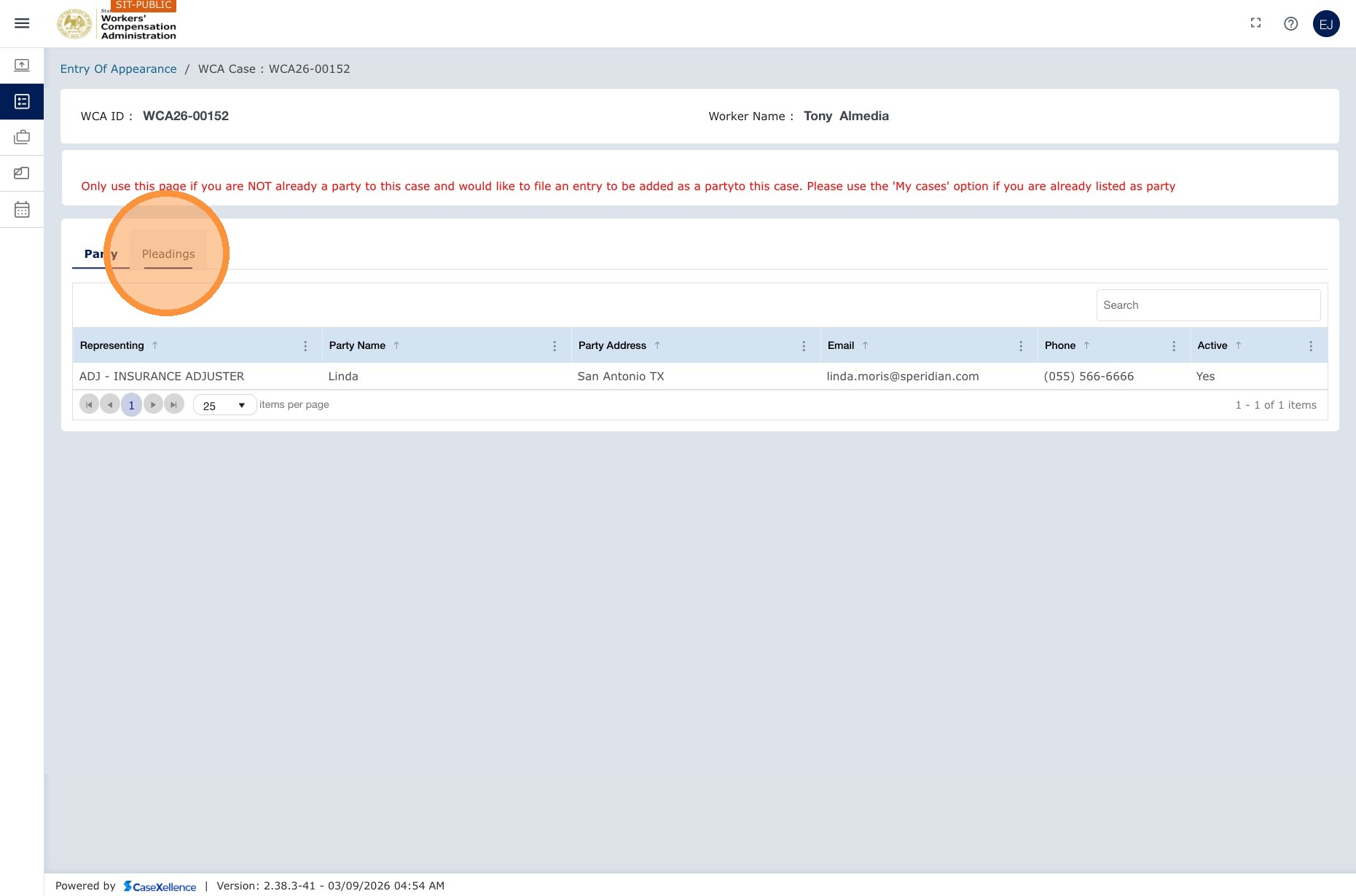
- Review the search results, including the WCA Case Number, worker name, and listed parties. You will not have full case access until your entry is accepted.
- Select the correct case and click Submit Entry of Appearance.
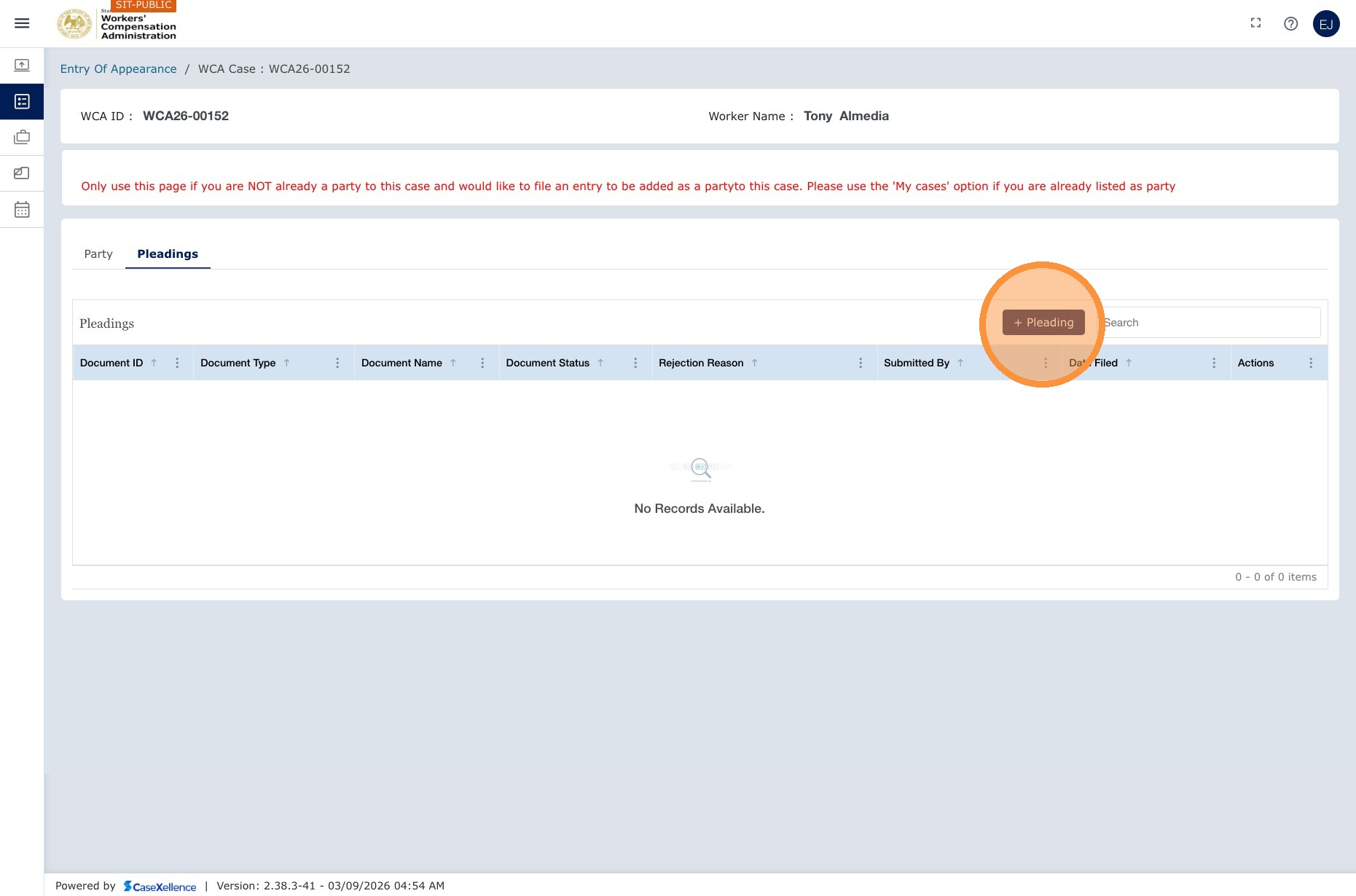
5. Complete the form and attach the document
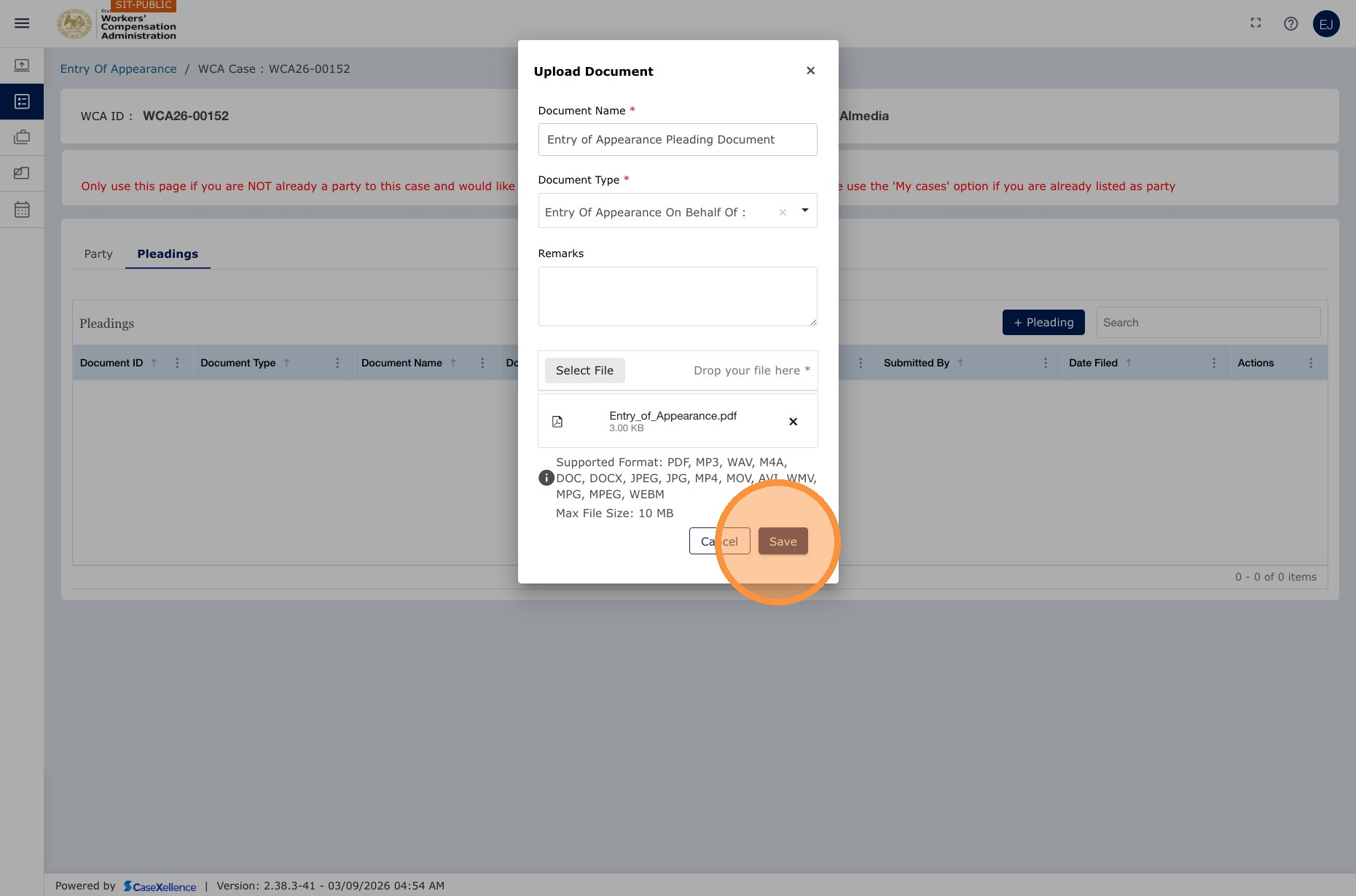
- Complete the Entry of Appearance form and attach the signed entry of appearance document.
6. Save and confirm
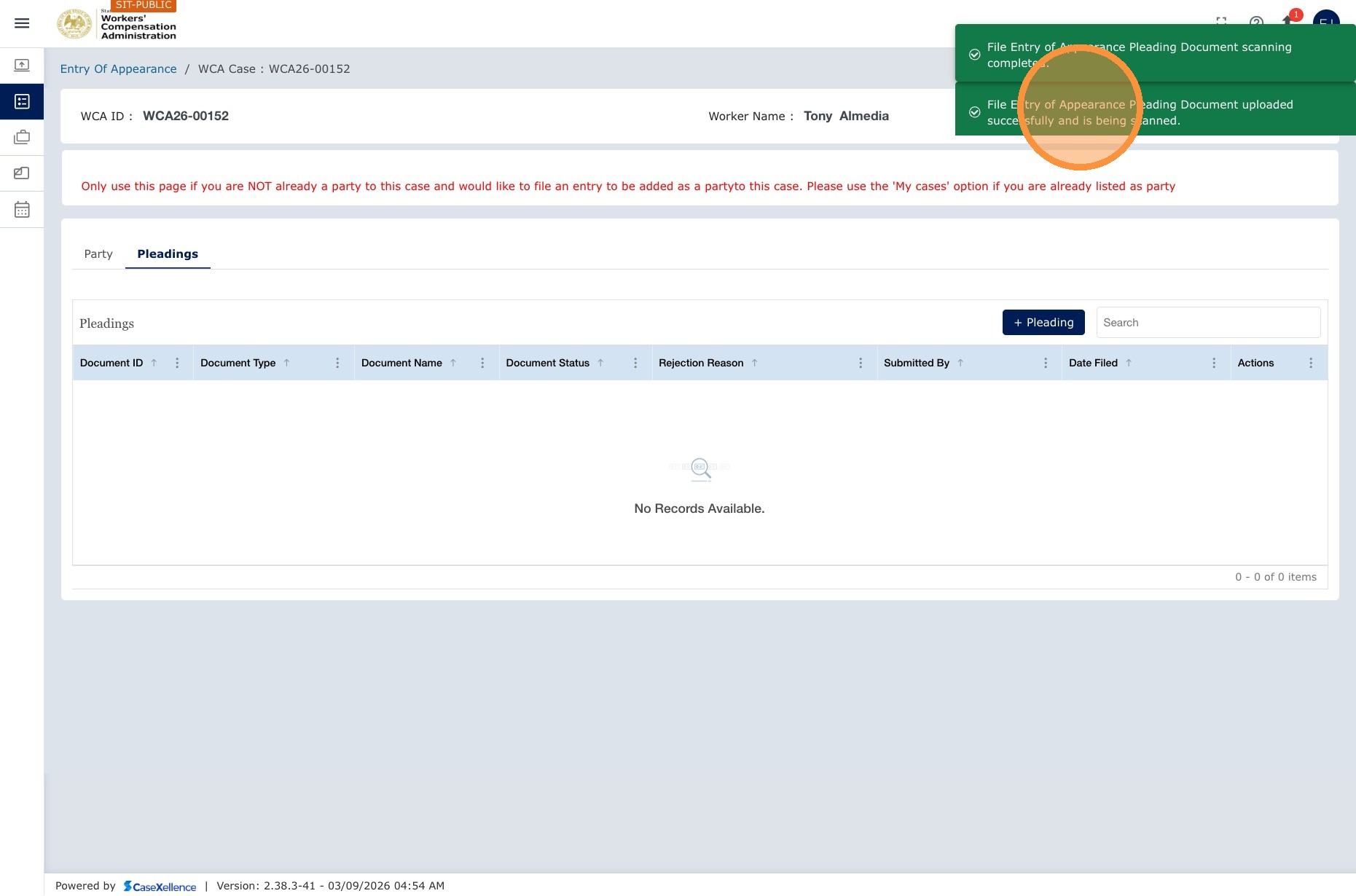
- Click Save. A confirmation message appears and the Clerk's Office is notified.
What happens after submission
| Stage | Description |
|---|---|
| Clerk review | The Clerk's Office reviews your entry of appearance and either accepts or rejects it. |
| If accepted | You are added to the case as an active party. The case appears in My WCA Cases and you have full access to case details, pleadings, and events. |
| If rejected | You will receive an email explaining the reason for the rejection. Correct the issue and resubmit. |
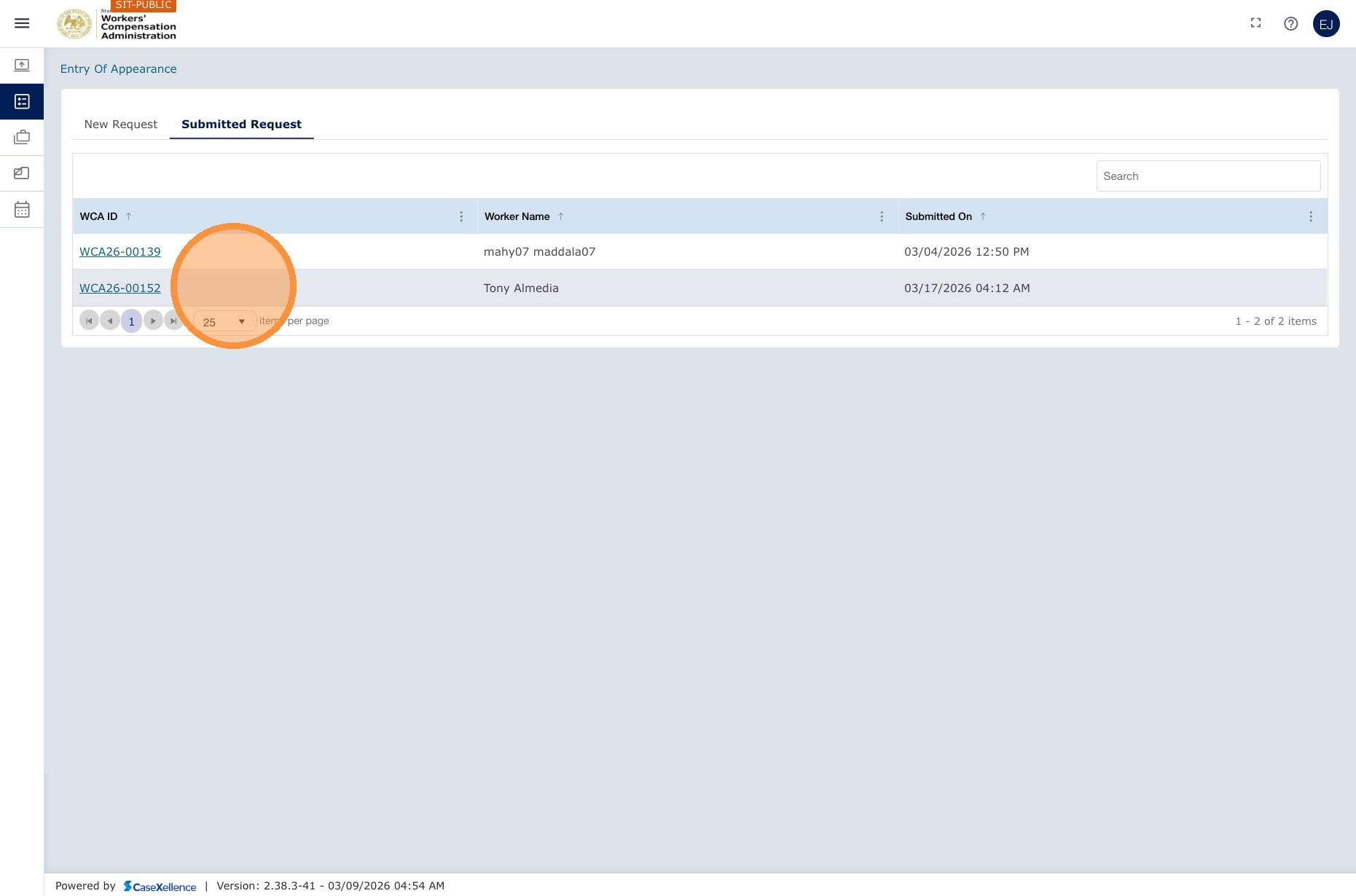
Your request appears under Entry of Appearance → Submitted Requests. To check the status, go to that tab. Your pending entry will be listed there with its current status.
Once your entry of appearance is accepted, the case is visible in My WCA Cases. You can view all documents filed by all parties and add your own pleadings.
See also: WCA Case — Add Pleadings to Existing Case · WCA Case — Resubmission of Rejected Pleadings · Contact Us
Portions of this user guide were produced with assistance from artificial intelligence tools; all content was reviewed for accuracy before publication.